UX/UI Design Trends That Actually Change What You Build
Ten UX/UI trends worth knowing, sorted by whether they change what you actually build or just what design blogs look like this year.

Every year brings a trend list. Most of it is screenshots. The useful question is narrower: which of these changes what you build next quarter, and which is a visual style you can safely ignore?
I design and build interfaces, UX/UI work that has to survive development, testing and a real client’s content. So this list is sorted by that test. A few of these are structural and worth planning around. The rest are aesthetics, and aesthetics age.
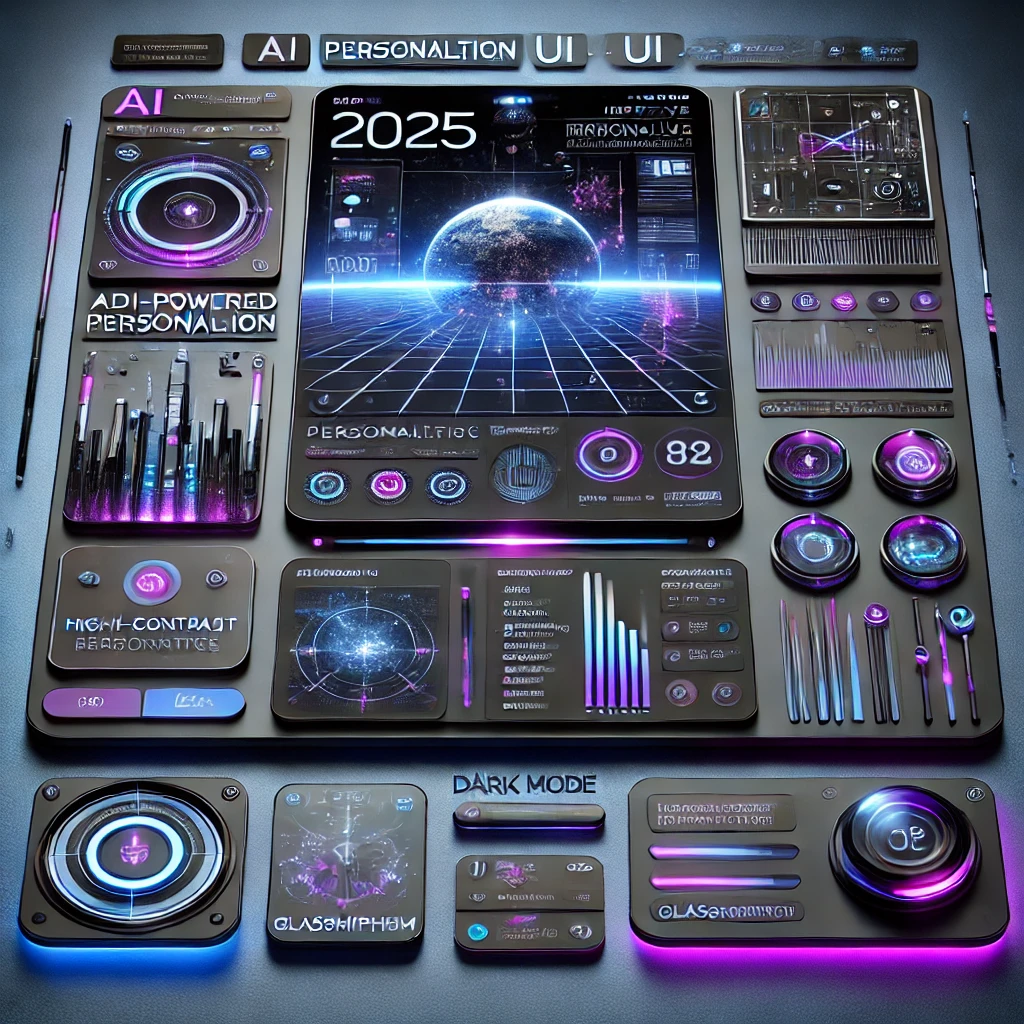
1. AI-Powered Personalization for Enhanced User Experience
Artificial intelligence is transforming UX/UI by enabling hyper-personalization. AI algorithms analyze user behavior, preferences, and interactions to deliver customized experiences in real-time. From dynamically adjusting content layouts to predictive text and chatbot interactions, AI is making interfaces more intuitive and user-friendly. Learn more about AI in UX design.
2. Immersive 3D and AR Experiences for Better Engagement
With advancements in web technologies and hardware, 3D elements and augmented reality (AR) are becoming integral to UX/UI. E-commerce sites use AR for virtual try-ons, while 3D illustrations add depth and engagement to interfaces. The rise of WebXR and VR interfaces is further pushing the boundaries of digital experiences.
3. Voice and Gesture-Based Interfaces for smooth Interaction
Touchless interfaces are gaining popularity, especially in mobile apps, smart devices, and automotive UX. Voice commands, gesture-based controls, and haptic feedback create more smooth interactions. As AI-powered voice assistants improve, designers are incorporating voice UX (VUX) into their workflows.
4. Dark Mode and High-Contrast UI for Accessibility
Dark mode continues to be a preferred choice among users for both aesthetic and accessibility reasons. High-contrast UIs not only reduce eye strain but also improve readability for visually impaired users. Designers are focusing on adaptable themes that adjust based on user preferences and environmental conditions.
5. Microinteractions and Motion Design to Improve Usability
Subtle animations and microinteractions enhance user engagement by providing feedback and guiding user actions. From animated buttons to hover effects and loading animations, motion design creates a more dynamic and interactive experience without overwhelming the user.
6. Neumorphism and Glassmorphism for Modern Aesthetics
UI aesthetics are shifting towards neumorphism and glassmorphism, blending soft shadows, transparency, and blurred backgrounds to create futuristic yet user-friendly interfaces. These styles provide a balance between realism and minimalism, giving a sleek and modern touch to digital products.
7. Sustainable and Ethical UX/UI Design Trends
As users become more environmentally conscious, designers are embracing sustainable UX/UI principles. This includes optimizing images for faster loading times, reducing energy consumption through minimalistic design, and ensuring digital accessibility for all users.
8. Super Apps and Minimalist Navigation for Better User Flow
The rise of super apps, platforms that offer multiple services within a single ecosystem, is changing UX design. Instead of cluttered screens, minimalist navigation with intuitive UI patterns is gaining traction. Designers use card-based layouts, contextual menus, and swipe-based interactions to simplify the user journey.
9. AI-Assisted Design Tools for Faster Prototyping
AI is not just enhancing user experiences but also revolutionizing the design process itself. AI-powered tools like Figma’s AI features, Adobe Sensei, and OpenAI-powered design assistants are simplifying workflows, automating repetitive tasks, and enabling designers to create more efficiently.
10. Ethical and Inclusive UX Design for Digital Well-Being
Ethical UX/UI design is becoming a priority, with a focus on digital well-being, privacy-first design, and inclusivity. Designers are implementing transparent data policies, prioritizing accessibility standards, and ensuring that digital products cater to diverse user needs.
Conclusion
The future of UX/UI design in 2025 is centered on AI-driven experiences, immersive technologies, and user-first principles. Whether through hyper-personalization, motion design, or ethical considerations, the goal remains the same, creating intuitive, engaging, and meaningful digital interactions. Staying ahead of these trends is key to crafting modern experiences that resonate with users.
What are your thoughts on these UX/UI trends in 2025? Let us know in the comments!
Related
How AI fits into the design workflow: AI in UX/UI design. Recent interface work is in the portfolio.
More posts
Most small sites do not need an SEO strategy. They need eight technical things fixed, and most of them are already broken by default.
Beautiful portfolios get ignored every day. The ones that get replies answer a question the pretty ones never address: what did you decide, and why.
Most test suites are thorough about the wrong things. Fifteen variations of an empty field, nothing about what happens when the session expires halfway through checkout.
The tools moved from autocomplete to agents that plan and execute across files. That is a real shift. It also moves the bottleneck somewhere most teams have not staffed.
I pay for more than one of these, which tells you the comparison is not as simple as picking a winner. Where each model is genuinely better, from daily use rather than benchmarks.
Every model is best at something and mediocre at something else. This is which one I open for which task, based on using all of them inside real client work rather than on benchmarks.
AI can write a WordPress plugin in a minute. Whether you should put that plugin on a live site is the part nobody covers. From someone who reviews this code for a living.
Most slow WordPress sites are slow for two or three specific reasons. Here is how to find which ones, in the order that gives you the biggest drop in load time for the least work.
AI can draft your test cases in seconds. Whether those cases find anything is a different question. What a year of using AI tools inside a real QA job actually changed.
AI writes the code in seconds. Someone still has to find out whether it works. A QA engineer’s view of what vibe coding actually costs, and how to use AI tools without shipping their mistakes.
A working checklist for hardening a WordPress site, logins, files, database, hosting and monitoring, written from what actually breaks on sites in production.
AI can lay out a screen, read behaviour data and run usability checks. It cannot decide what the product should be. A practical look at where the line sits.